


Procedure to write a .NET agent that, to answer, calls a C# function you wrote. The model does not know the stock: it only knows a function exists to read it, and it decides by itself when to call it and with which argument.
It follows the guide Deploy a model on Microsoft Foundry and call it from .NET: there the model only answered, here it uses a tool.
You need: an Azure account with an active subscription, .NET 10 and the Azure command-line interface on your computer. Time: about fifteen minutes. Cost: pay as you go on tokens; the Global Standard deployment has no fixed fee. The tests in this guide use a few thousand tokens.
The portal in the screenshots is in English: command names are written as they appear on screen.
Prepare the model
Creating it from the portal is described step by step in the Foundry guide. Here everything is done from the command line, after az login.
1. Create the group and the Foundry resource
az group create -n rg-guide-agent-01 -l swedencentral

az cognitiveservices account create \
  --name foundry-guide-agent-01 \
  --resource-group rg-guide-agent-01 \
  --kind AIServices --sku S0 --location swedencentral \
  --custom-domain foundry-guide-agent-01 --yes
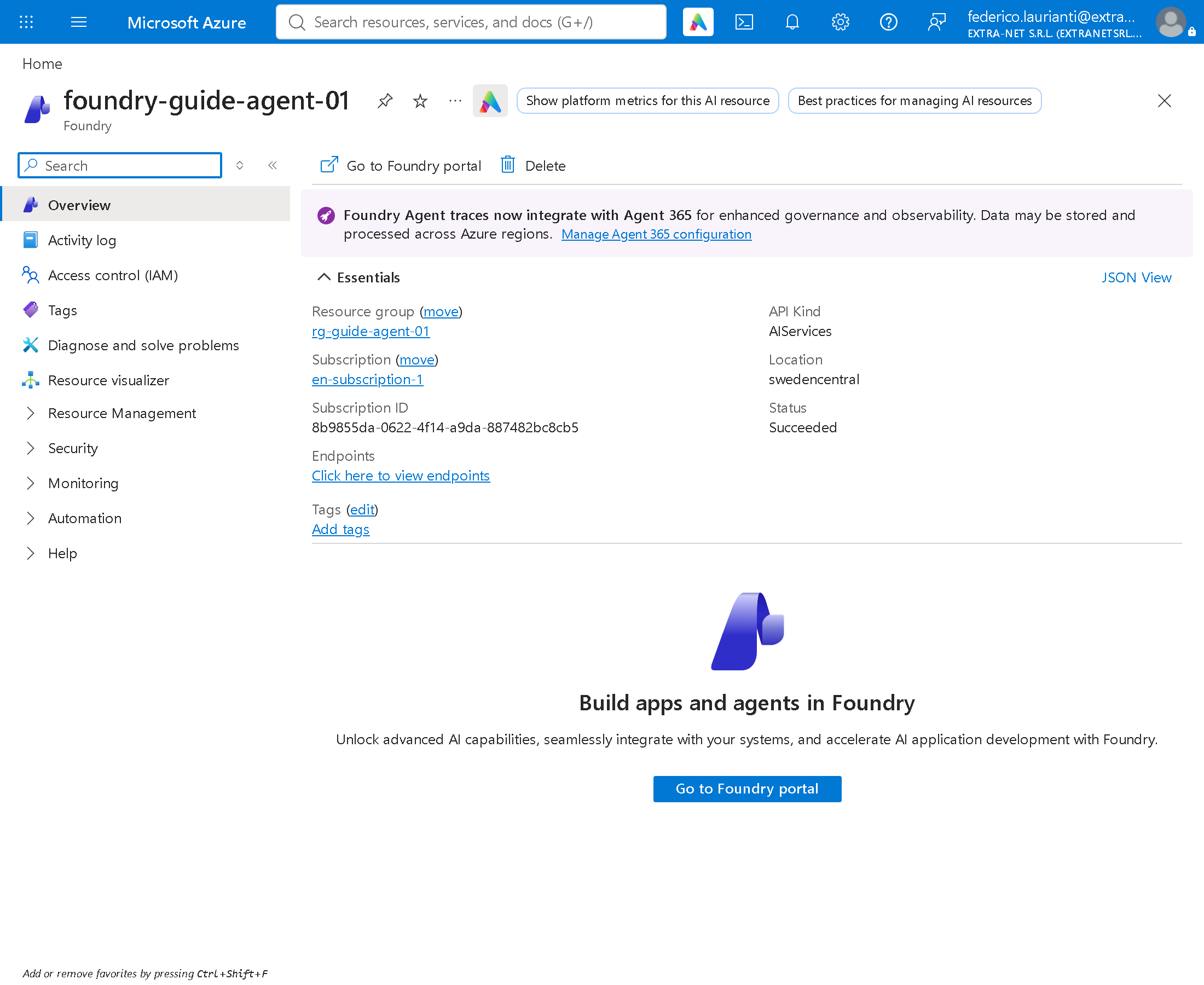
--custom-domain gives the resource an address of its own, foundry-guide-agent-01.openai.azure.com, which is the one the program uses. The name must be unique across Azure.
2. Deploy the model
az cognitiveservices account deployment create \
  --name foundry-guide-agent-01 \
  --resource-group rg-guide-agent-01 \
  --deployment-name gpt-5-mini \
  --model-name gpt-5-mini --model-version 2025-08-07 --model-format OpenAI \
  --sku-name GlobalStandard --sku-capacity 10
3. Give yourself permission
The program signs in with your identity, with no keys. It needs a role on the resource:
ID=$(az ad signed-in-user show --query id -o tsv)
RESOURCE=$(az cognitiveservices account show -n foundry-guide-agent-01 -g rg-guide-agent-01 --query id -o tsv)

az role assignment create --assignee-object-id $ID --assignee-principal-type User \
  --role "Cognitive Services OpenAI User" --scope $RESOURCE
The agent
4. Create the project
dotnet new console -n agent-demo
cd agent-demo
dotnet add package Azure.Identity --version 1.21.0
dotnet add package Microsoft.Agents.AI.OpenAI --version 1.28.0
Microsoft.Agents.AI.OpenAI brings in the rest: the OpenAI package to talk to the model and Microsoft.Extensions.AI to describe the tools.
5. Write the code
It replaces Program.cs:
using System.ClientModel.Primitives;
using System.ComponentModel;
using Azure.Identity;
using Microsoft.Agents.AI;
using Microsoft.Extensions.AI;
using OpenAI;
using OpenAI.Chat;

#pragma warning disable OPENAI001

const string endpoint = "https://foundry-guide-agent-01.openai.azure.com/openai/v1";
const string deployment = "gpt-5-mini";

BearerTokenPolicy tokenPolicy = new(
    new DefaultAzureCredential(),
    "https://cognitiveservices.azure.com/.default");

ChatClient chat = new(
    deployment,
    tokenPolicy,
    new OpenAIClientOptions { Endpoint = new Uri(endpoint) });

AIAgent agent = chat.AsAIAgent(
    instructions: "You answer questions about the shop stock. "
                + "Always use the GetStock tool: never guess quantities or prices.",
    name: "ShopAssistant",
    tools: [AIFunctionFactory.Create(Shop.GetStock)]);

string question = args.Length > 0
    ? string.Join(' ', args)
    : "How many monitors are left, and how much do two of them cost?";

Console.WriteLine($"Question: {question}\n");
AgentResponse answer = await agent.RunAsync(question);
Console.WriteLine($"\nAnswer: {answer.Text}");

static class Shop
{
    static readonly Dictionary<string, (int Stock, decimal Price)> Items =
        new(StringComparer.OrdinalIgnoreCase)
        {
            ["Keyboard"] = (12, 49.90m),
            ["Monitor"] = (3, 199.00m),
            ["Network cable"] = (40, 7.50m),
        };

    [Description("Returns how many pieces of an item are in stock and the price of one piece, in euro.")]
    public static string GetStock([Description("The item name, for example Monitor")] string item)
    {
        Console.WriteLine($"  [tool] GetStock(\"{item}\")");
        return Items.TryGetValue(item, out var i)
            ? $"{i.Stock} in stock, {i.Price:0.00} euro each"
            : $"No item called {item}";
    }
}
The parts that matter:
AsAIAgentturns the model client into an agent, with the instructions and the list of tools.AIFunctionFactory.Create(Shop.GetStock)describes the function to the model: name, parameters and above all the[Description]texts. The model does not see the code, only those descriptions: that is how it understands what the function is for and what to pass it.- When the model decides to use the tool, the agent calls
GetStockon your computer and sends the result back. The stock dictionary never leaves the program: the model only receives the line the function returns. - The
[tool]line printed by the function shows when it is called and with what.
6. Run
dotnet runQuestion: How many monitors are left, and how much do two of them cost?
[tool] GetStock("Monitor")
Answer: There are 3 monitors left. At €199.00 each, two cost €398.00.The question says "monitors", plural; the model called the function with Monitor, as the parameter description suggests, and did the maths itself.
7. Two items in the same question
The question is passed as an argument:
dotnet run -- "I need one keyboard and two network cables. Are they in stock, and what is the total?" [tool] GetStock("Keyboard")
[tool] GetStock("Network cable")
Answer: Yes — both are in stock.
- Keyboard: 12 in stock, €49.90 each.
- Network cable: 40 in stock, €7.50 each.
Total for 1 keyboard + 2 network cables = €49.90 + 2×€7.50 = €64.90.The model called the function twice, once per item, and then added up.
8. An item that does not exist
dotnet run -- "Do you have a mouse?" [tool] GetStock("Mouse")
Answer: I don't have an item called exactly "Mouse" in the stock database.The model still asked the function instead of making something up: that is the effect of "never guess" in the instructions.
The model's wording changes a little from one run to the next; the function calls and the numbers stay the same.
Delete the resources
9. Delete the resource group
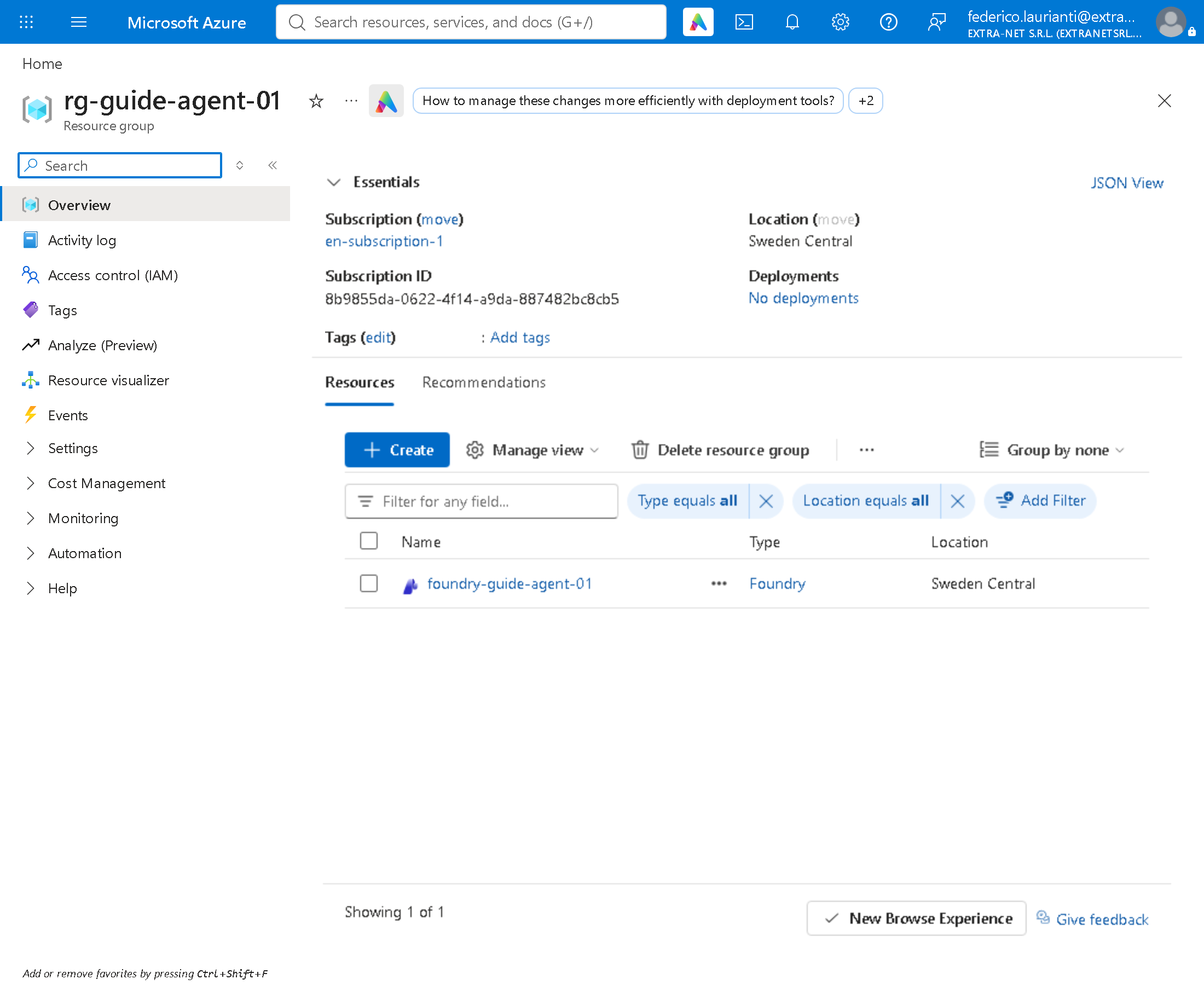
The group holds only the Foundry resource, with the deployment inside.
az group delete -n rg-guide-agent-01 --yesCommand names, code and answers recorded on 8 November 2026, Sweden Central region, with .NET 10.0.401, Microsoft Agent Framework 1.28.0 and the Azure command-line interface 2.91.0.